
What’s New in R: July 13, 2026
Welcome to this week's edition of What's New in R! This week, we're featuring a package that adds guardrails to your LLM workflows, a new Shiny component for packing controls into cards and inputs, and a Quarto extension for creating styled diagrams. Let's dive in!
llmshieldr
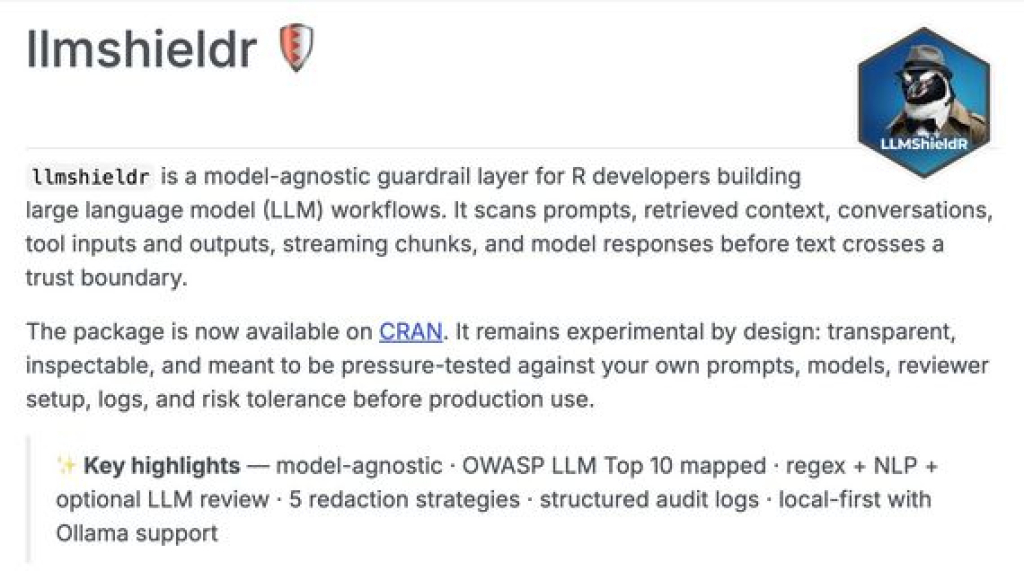
{llmshieldr}, created by Indraneel Chakraborty, is an R package that adds a layer of guardrail protection to your large language model workflows. It scans prompts, context, conversations, tool inputs and outputs, and model responses to catch security risks like prompt injection, PII leakage, and unsafe outputs before they cross a trust boundary. It's model-agnostic, takes a local-first approach with Ollama support, and offers multiple detection methods (regex, NLP, and optional LLM-based semantic review) along with structured audit logging. If you're building applications on top of LLMs in R and want some security controls in place, this is worth a look.
Introducing Toolbars: Supercharge your Cards and Inputs
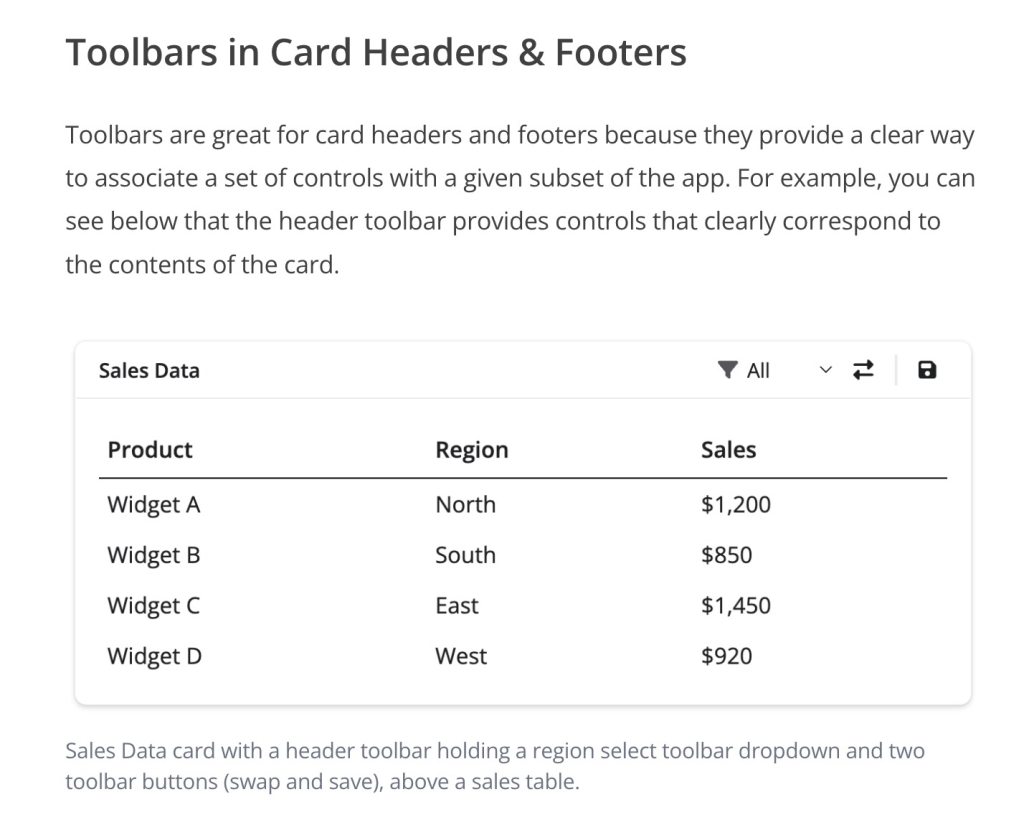
Liz Nelson introduces Toolbars, a new component in {bslib} for fitting buttons, selects, and other controls into tight spaces in your Shiny apps. The idea is to attach controls directly to card headers and footers or to input labels, so you can pack in the filters and buttons a dashboard needs without sacrificing readability. Their small, low-profile look keeps everything legible while making the most of your screen real estate. If you've ever struggled to lay out a busy dashboard, Toolbars are a nice way to improve your cards and inputs.
Announcing quarto-diagrams
Emil Hvitfeldt's {quarto-diagrams} extension lets you create styled diagrams directly in your Quarto HTML documents and Reveal.js presentations. It supports a whole range of diagram types, including process flows, pyramids, matrices, organizational hierarchies, funnels, cycles, and Venn diagrams, and you can switch between styles with minimal code changes. You build each one with a container div and nested .item divs, with shared options for colors, node shapes, and arrow styles. It's a handy tool for flowcharts and similar visuals, and installation is a one-liner with quarto add.
If you enjoyed this issue of What’s New In R, please share it with a friend! And if they want to get What’s New in R directly in their inbox, they can sign up on the R for the Rest of Us website.
Got any ideas for resources I should feature in future issues of What’s New in R? Leave a comment below!
Sign up for the newsletter
Get blog posts like this delivered straight to your inbox.



You need to be signed-in to comment on this post. Login.